

This guide is for 1xBet app users who cannot find the language switch or whose odds display looks wrong. If you already know where the settings menu sits, you can skip ahead to the odds section below.
Where the language option lives
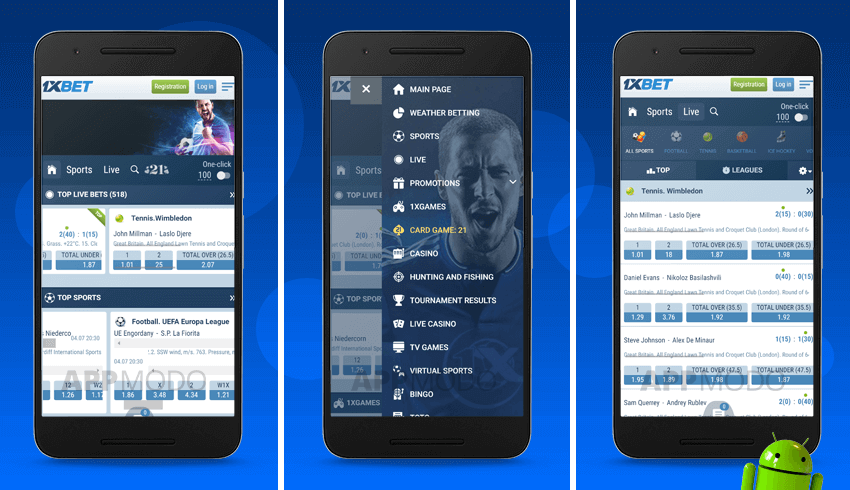
The language setting in the 1xBet app is not on the home screen. It sits one level deeper than most users expect. You need to open the side menu first, then reach your profile area, where the general settings block lives.
From there, the language row is usually the third or fourth item on the list. Tapping it opens a scrollable list of about thirty interface languages. The change applies to all labels, menu items and bet slip text immediately. On a mid-range Android device, the interface reloads its labels in roughly one to two seconds.
- Tap the menu icon in the top-left corner of the main screen.
- Select the profile or account entry near the bottom of the side drawer.
- Open the settings block and locate the language row.
- Pick your preferred language from the scrollable list.
- Wait a few seconds while the interface reloads its labels.
Switching odds formats in the bet settings
Odds display format is a separate toggle from interface language. The 1xBet app keeps both under the same general settings screen, but in different rows. Most bettors change this once and never touch it again. Decimal odds are the default in many regions, but the app offers alternatives.
Fractional and American formats sit in the same list. The choice affects how every event card, bet slip and accumulator line shows its numbers. Nothing about your actual stake or payout changes, because the underlying calculation stays identical. The display simply rewrites the same value in a different notation, and the switch takes effect instantly on the next screen you open. The table below lists what each format looks like on a typical match screen.
| Format | Example | Where it appears |
|---|---|---|
| Decimal | 2.10 | Event cards, bet slip |
| Fractional | 11/10 | Event cards, bet slip |
| American | +110 | Event cards, bet slip |
Checking that your language change actually stuck
After switching, it is worth confirming the change did not silently roll back. The 1xBet app sometimes restores the previous language after a fresh login or a session timeout. A quick check takes about a minute and prevents surprises later. Follow these steps to verify the new setting on your device.
- Close the 1xBet app completely and reopen it from your home screen.
- Open the side menu again and confirm the labels show your chosen language.
- Tap a random event and check that the bet slip text matches too.
- If the language reverted, repeat the settings path and log in again right after.
- Leave the app running for a minute so the new preference writes to your account profile.
How language changes the bet slip and your profile
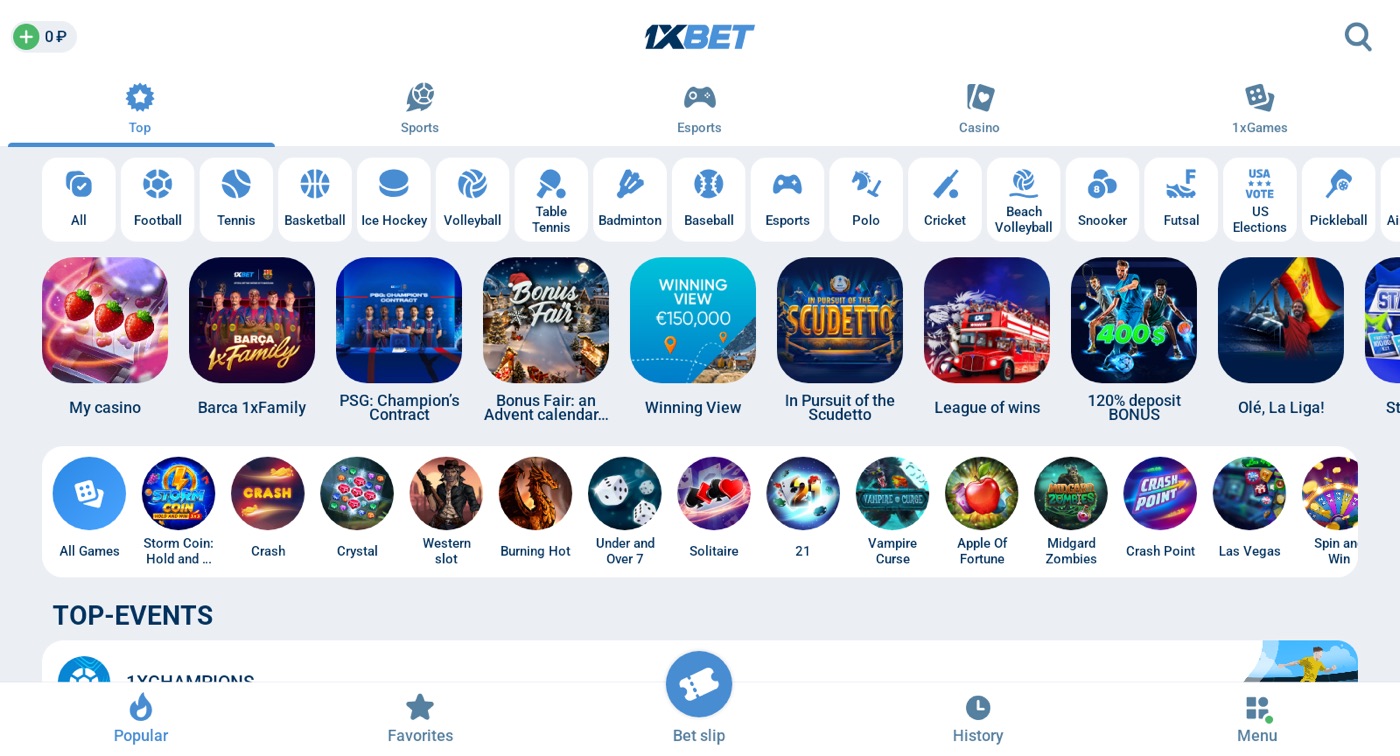
Switching the interface language in the 1xBet app also redraws the bet slip. Every label, odds movement note and status line follows the new language immediately. Nothing about your existing selections changes, and no bet you already placed is affected. The bet slip simply reads in the language you just picked.
- The stake field keeps its value when you change the language mid slip.
- Menu tabs such as Live, Pre-match and My Bets translate on the next tap.
- Push notification text follows the app language, not your phone language.
- Your account pages, including balance and history, translate without a restart.
- Betting market names change wording, but the markets themselves stay identical.
Odds format settings in the application
The 1xBet app lets you pick how odds are displayed, and this sits in the same settings area. You can choose between decimal, fractional and American formats with a single tap. Decimal is the default for most installs, and fractional appears as a set of simple fractions. American odds show as plus or minus numbers around a base of one hundred.
The list appears under the Odds format row inside the same settings screen you used for language. Tap any format and the preview numbers in the row update immediately, so you see the change before you leave.
| Format | Example | Where it appears |
|---|---|---|
| Decimal | 2.40 | Bet slip and live markets |
| Fractional | 7/5 | Pre-match list and accumulators |
| American | +140 | Live scores and My Bets |

Step-by-step: changing odds and language together
- Open the 1xBet app and tap the menu icon in the top left corner.
- Scroll down the side menu and tap Settings, then open the Language row.
- Pick your language from the list and confirm with the Apply button.
- Return to Settings and tap Odds format, then choose your preferred display.
- Go back to the main screen and open any match to verify the change.
- Open a bet slip and confirm the odds now show in your new format.
The whole sequence takes roughly two minutes the first time. After the first pass, returning users usually finish in under one minute because the settings screen loads instantly.
When the language refuses to change
Sometimes the 1xBet app keeps the old language even after you confirm a new one. This usually happens if the application was installed through an outside channel. On Android, you may need to allow the package installer to run first.
Open Settings, tap Apps, then Special access and Install unknown apps. Toggle the switch for your browser or Files app and tap the APK again. The package installer prompt appears, and a few seconds later the update finishes. On slower connections, the whole install can take closer to three or four minutes.
Another cause is a stale cache. Clear the app data from Settings, Apps, 1xBet, Storage, then open the application again. Sign in and the language you chose should now stick on every screen. If it still does not hold, download the current build from the 1xbet betting app for mobiles page. The fresh package installs in about a minute or two on a normal Wi-Fi connection.
Regional odds display after a language change
Odds format and language are separate toggles in the 1xBet application. You can run English text with fractional odds, or Spanish text with decimal odds. Live score screens and the bet slip each respect your format choice independently. Accumulator payouts follow the same format, so your total return line reads consistently.
The change applies the moment you tap, with no restart required. Some users also read a VPN basics guide before switching regions. A VPN masks your connection location, but it does not change the odds format you selected inside the app.
Region-specific promos may appear after a language change, and their odds still follow your chosen format. The promo card header translates, but the numbers underneath stay in the format you set.
Verifying your changes on real screens
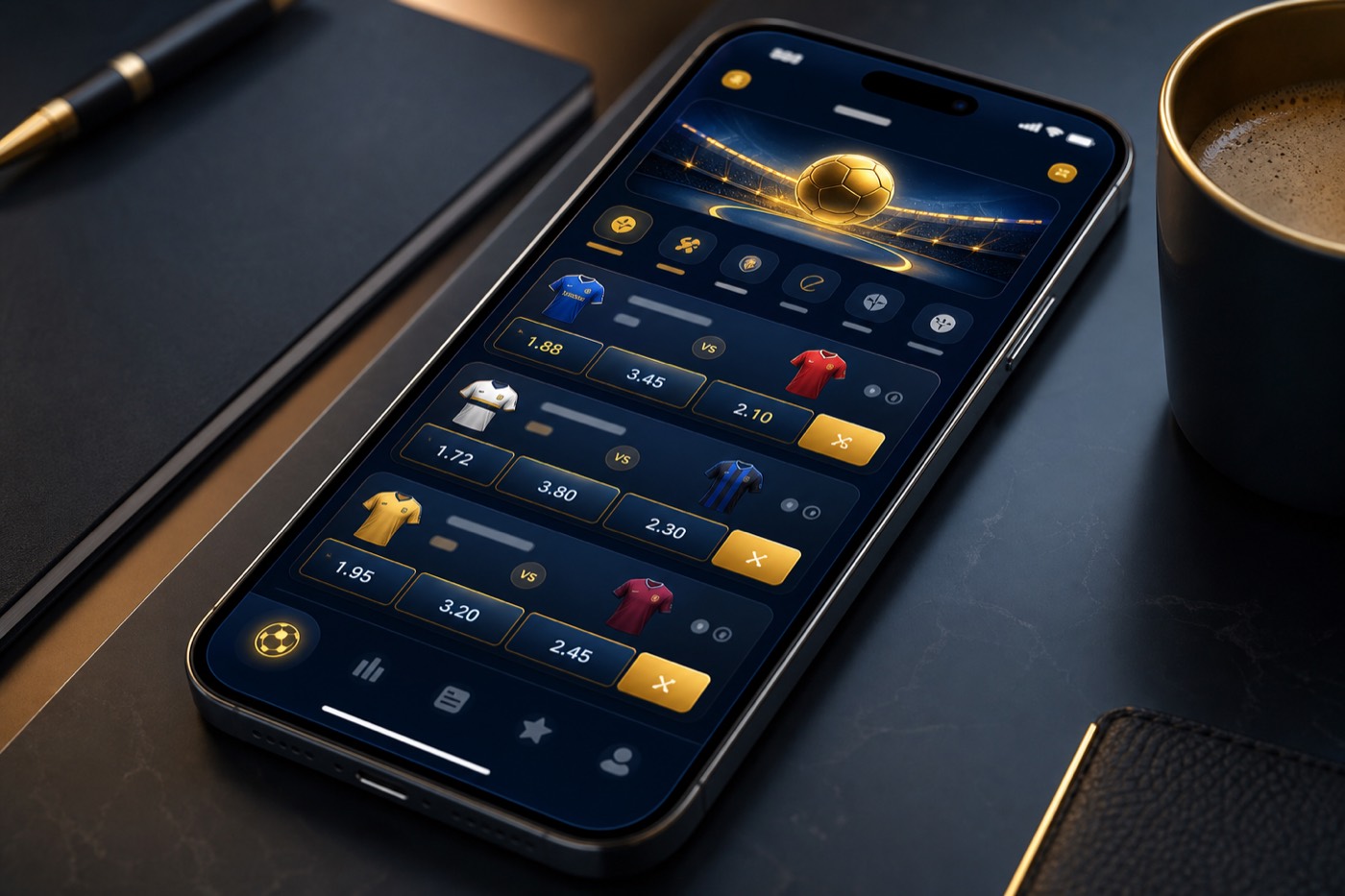
After you switch language or odds format in the 1xBet app, check three screens. Open the main menu and read the tab names. Then open a live match and glance at the odds line. Finally, build a small single bet and read the slip before you confirm.
- Menu tabs should show your new language on the first open.
- Live odds should match the format you selected in Settings.
- The bet slip return line should read in your chosen format too.
- My Bets history should keep the same format for old entries.
- Push notifications arriving later should use the new language.
If one screen lags behind, close the app from the recent apps list and reopen it. The correction takes effect after a single restart in most cases. On an older device, allow up to ten seconds for the fresh labels to render on the first screen.
FAQ
Does changing the language affect my saved bets?
No, saved bets in the 1xBet app are stored on your account, not on your screen. They keep their original odds and simply display in the new language.
Can I set different odds formats for live and pre-match?
No, the 1xBet application uses one odds format across live and pre-match markets. You change it once in Settings and it applies everywhere.
Why does my language reset after an update?
An update can briefly clear your preferences until you sign in again. Open Settings and reselect your language, and it should stick from then on.